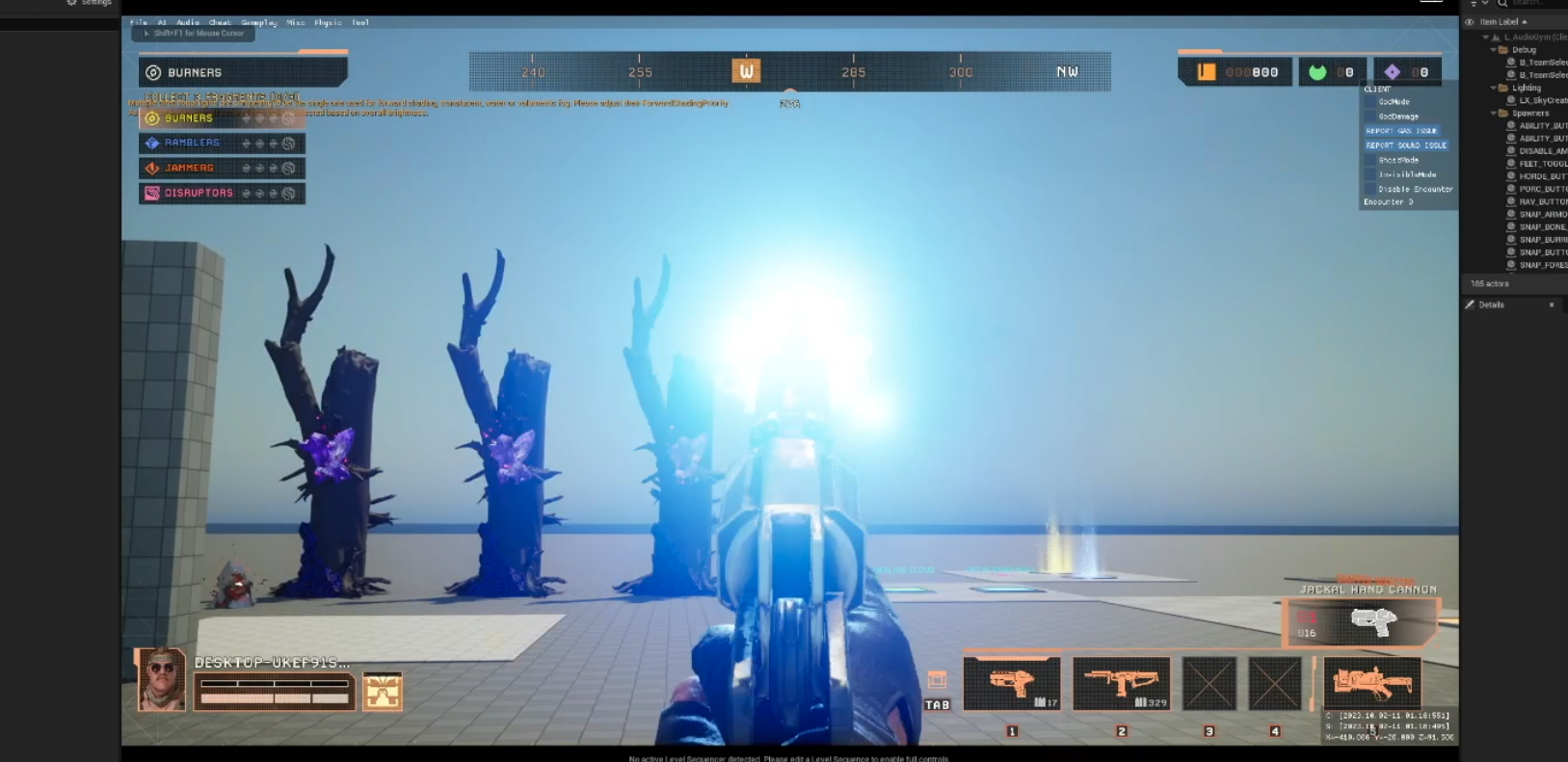
PvP Multiplayer Weapon and Automatic Gunfire Mixer Overview
Here’s an overview of how we built a custom gunfire audio mix solution using Unreal’s native metaSounds for our game Last Expedition, with tech sound designer Abe Robertson doing the heavy lifting.
Originally prototyped using Audiokinetic’s Wwise, it was decided that all audio would be implemented using metaSounds. Once setup, this proved quite workable. However, In a few cases, additional custom built tools were required. In this instance, a custom weapon mixer:
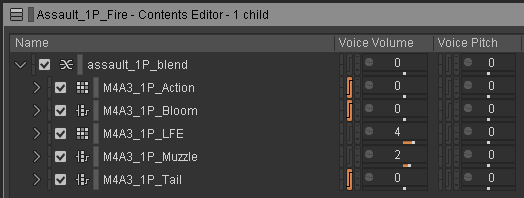
Wwise project example from previous game iteration:
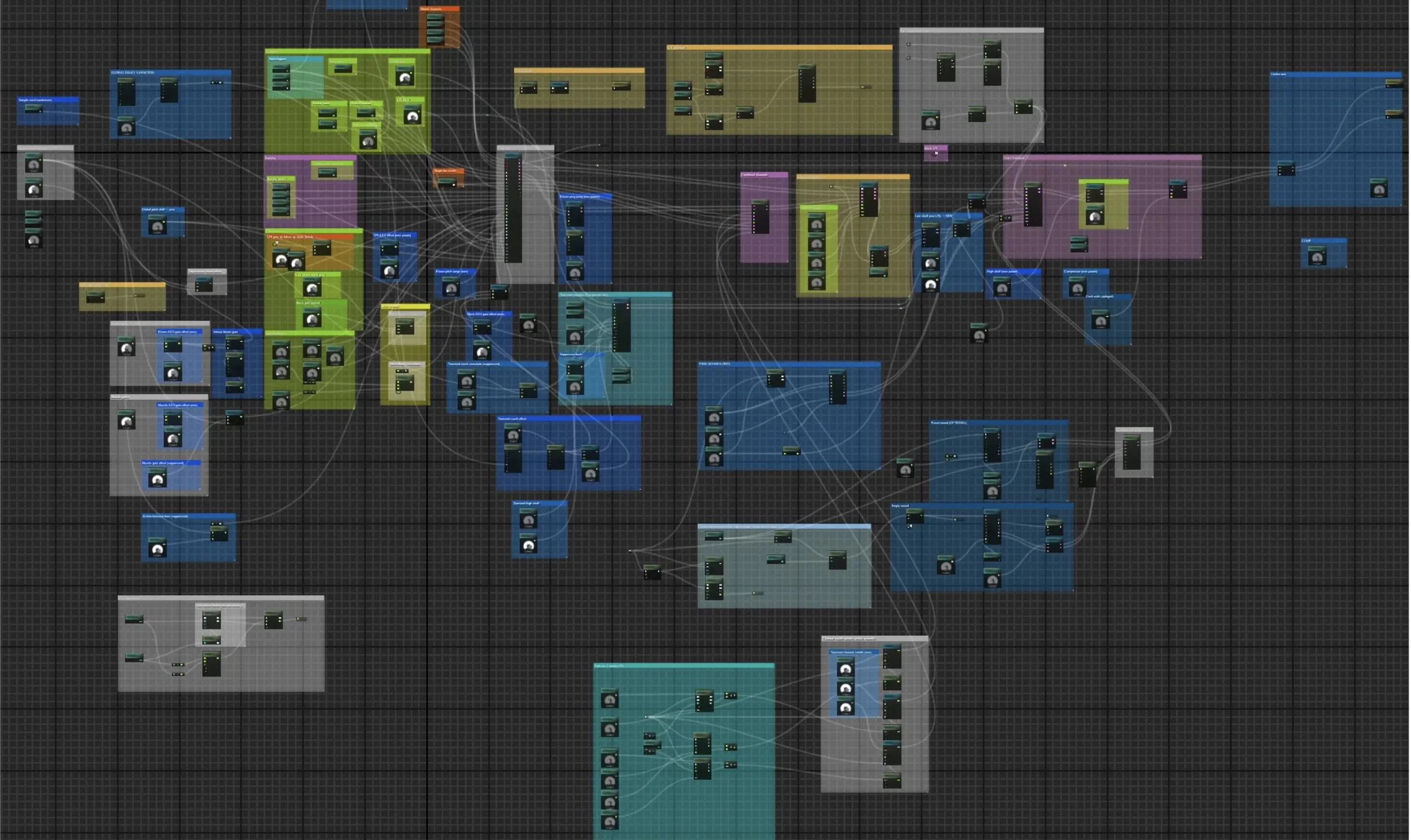
Custom MetaSound “UBER” graph for weapon sound logic in final project:
Standardized and consistent Blueprint logic across all weapons, with two main logic pathways:
semi-auto (fire and forget)
fully-automatic (control over start and stop)
simplifying the external logic allowed us to embed most of the complex functionality directly into this MetaSound UBER graph:
Overview:
As a proper PvPvE multi-player extraction shooter, both first and third person gunfire audio is a critical component of gameplay. The audio team needed a quick way to both author and test gunfire sounds, both in-game and in a non-gameplay environment. What we ended up with was a way to quickly create weapon sounds from metaSound presets using a custom built Weapon Mixer Widget.
Audio Requirements - First Person Player Perspective
Let’s go over the main components of a gunshot mix. As typical in game audio gunfire these days, channels used include the following five components or :
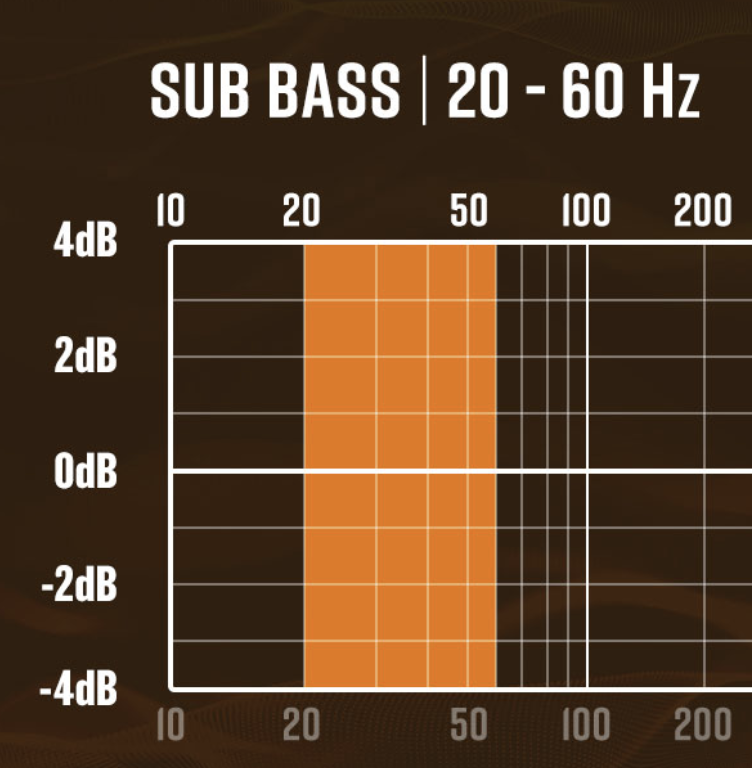
LFE (Low Frequency Effects)
Bass frequencies for punch/thump. Usually mono samples, and fairly short. (low pass filtered kick drum / custom recorded footstep or other bass heavy sample can be a good starting point)
gives body and weight to sound when triggering gunfire
Muzzle Blast
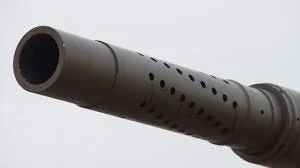
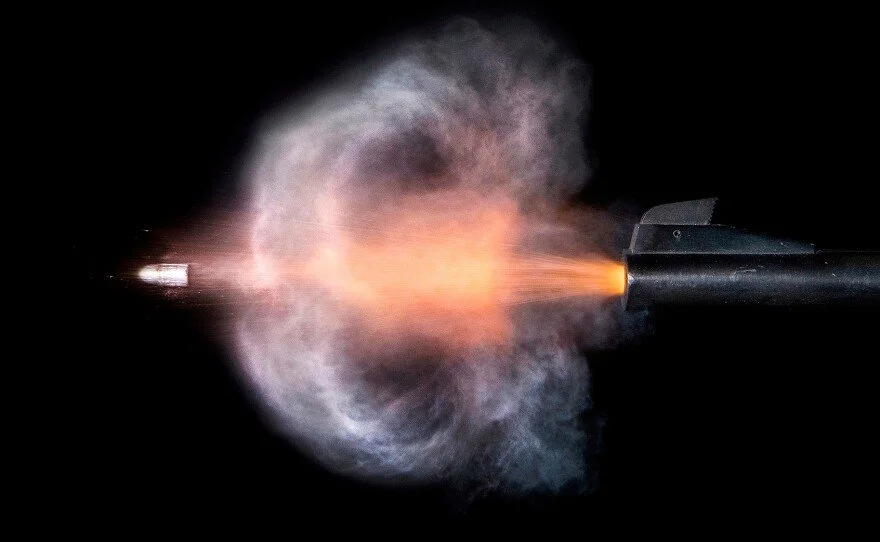
Quick transient pop or punch, mid frequencies. Most often mono, but generally a narrow image
intention is to hear sound as it exits barrel:
External Bloom/Crack
mid to mid-high frequencies, stereo.
Adds wideness and “middle” of sound as gunfire enters space:
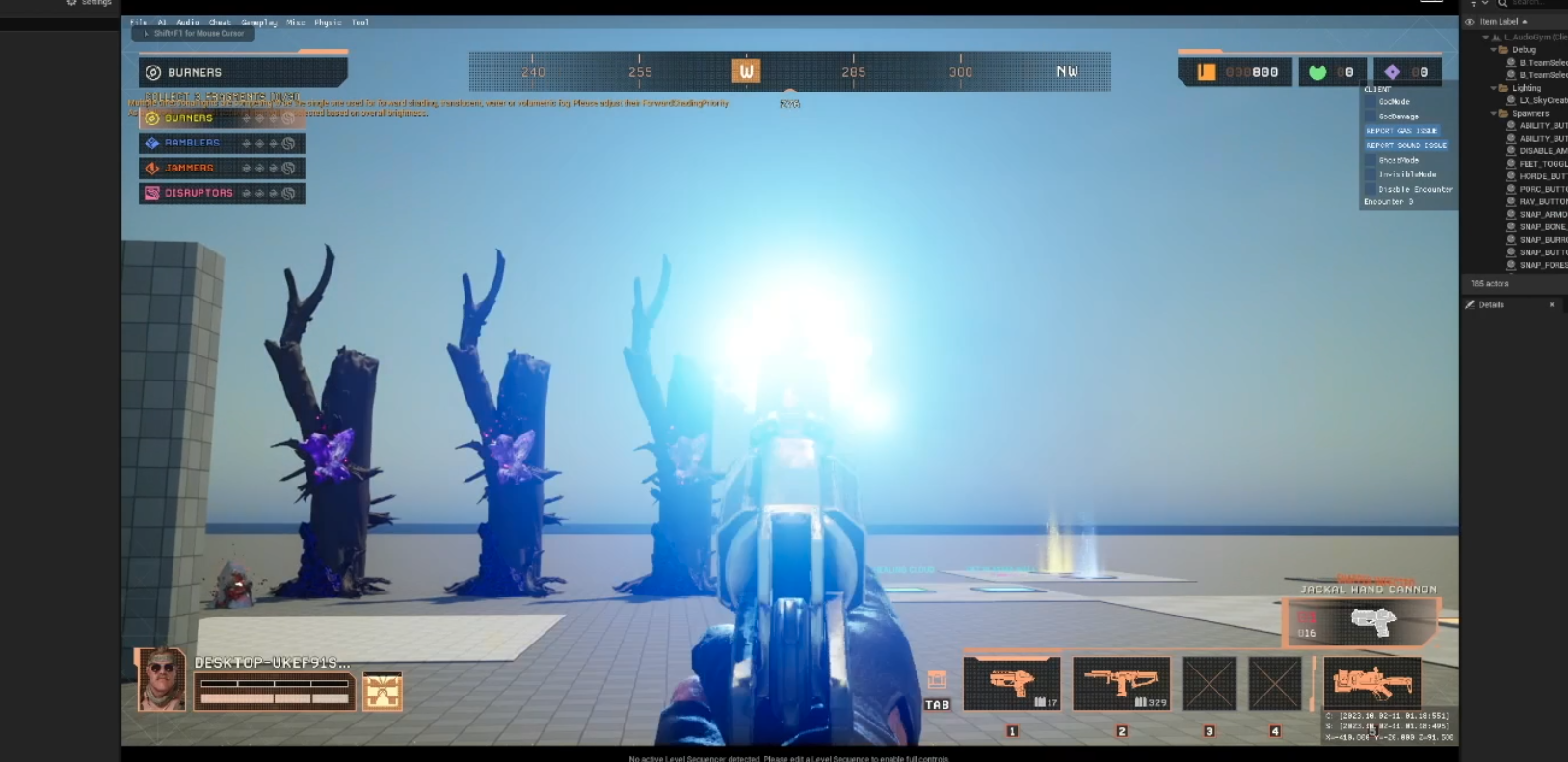
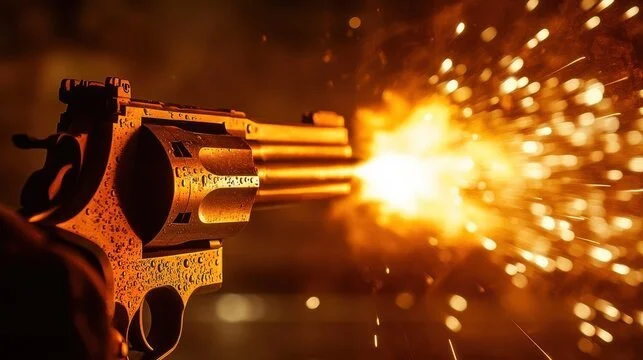
pistol fire being tested in our audio gym
Action/Mechanical
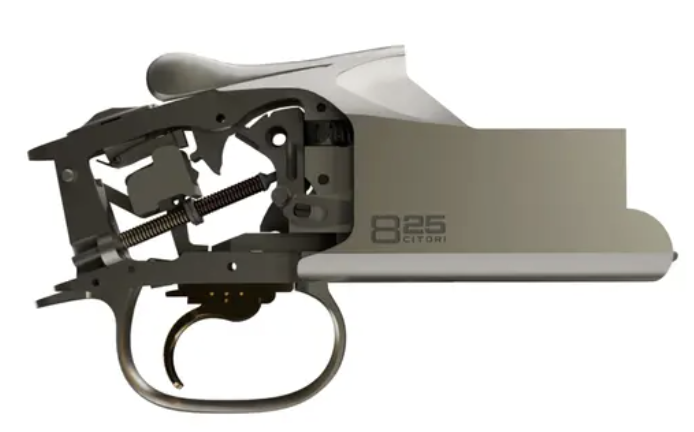
Trigger, reciprocating bolt movement, or rustling of metallic hardware during gunfire
Most of your crisp, mechanical, high frequency detail lives here
mono or stereo (or have it pan based on the position of your gun, for more detail)
Tail
Long trailing sound or echo effect at the end of each shot, that diffuses over time. sometimes, layered with thunder tail, etc…
Sometimes as long as 5 or even 10 seconds. Usually stereo, sometimes with a panning effect
Automatic Gunfire
Automatic gunfire sounds are similarly split into separate channels, with looping logic built into the sound engine as a state machine — with an internal clock separate from the game thread.
Instead of re-triggering a sound every gunshot, the state machine receives Start and Stop events and loops internally.
A quick discussion on whether this looping method can become unsynchronized with physical ‘shots’ / line traces. There are two key points to consider:
Firing rate shouldn’t really be dependent on frame rate, especially for multiplayer games:
If you’re running at a higher frame rate you shouldn’t be able to fire a weapon quicker and have a functional advantage over players running at a lower frame rate. This isn’t as big a concern for consoles — where everyone is capped at the same frame rate.
If the MetaSound re-fire rate matches the functional re-fire rate, it should be mostly imperceptible
The only time you might notice a sync issue is if you, for instance, have a machine-gun with a 100 round magazine and empty it in a single burst.
Immersion and quality is greatly increased.
Non-looping (Retriggered)
In this first video, a new sound is triggered every time a shot is fired. As you can probably hear, the shots aren't evenly spaced apart because the firing functionality is tied to the Game Thread / frame rate of the scene. (which could be fluctuating in the range of like 30 to 60 fps)
Looping MetaSound
In this second video, the firing is looped using a separate internal clock (MetaSounds) that is decoupled with the Game thread.
Instead of retriggering the sound every shot, it just receives start and stop events (mouse down / mouse up)
Weapon Data Loader
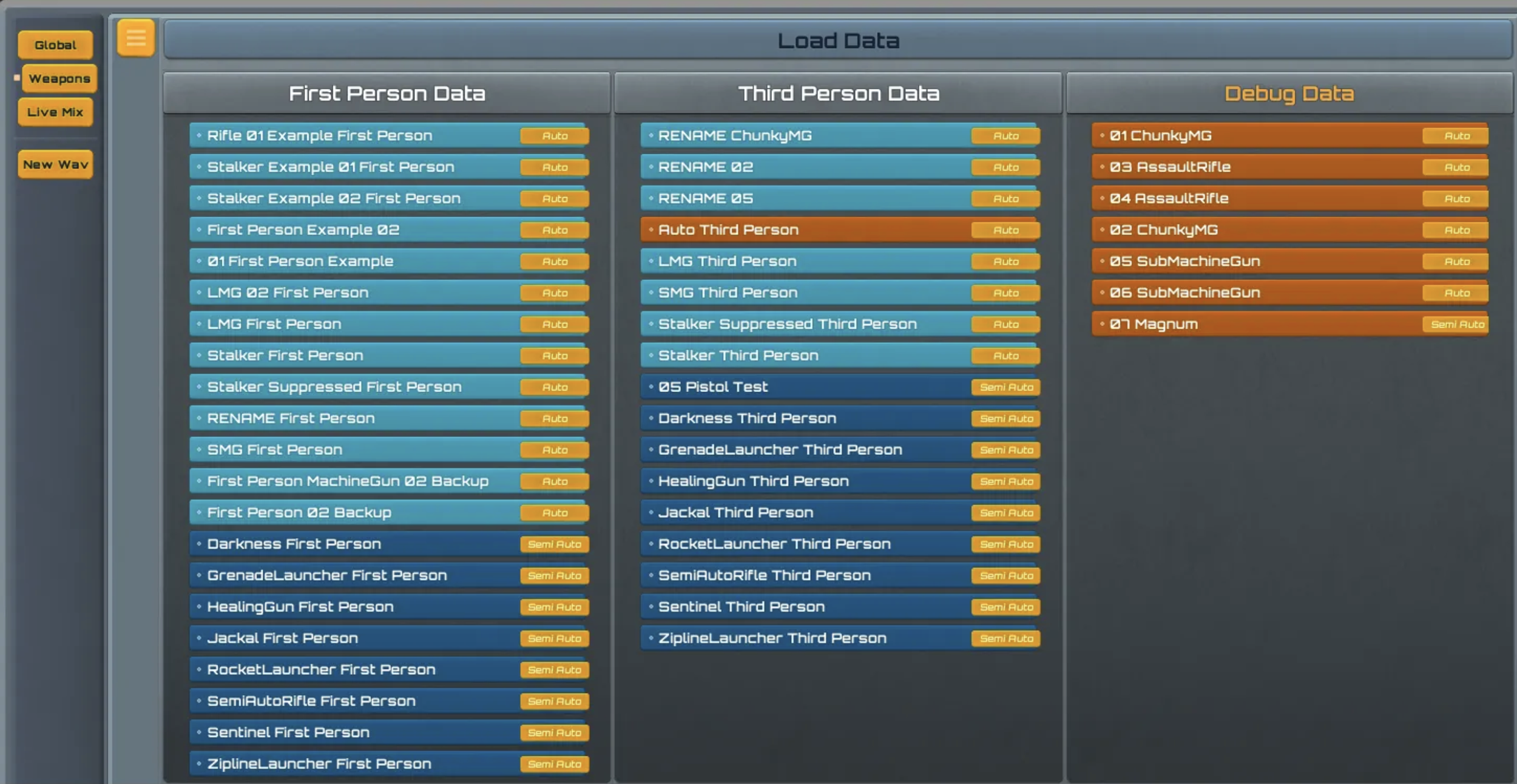
Here’s a look at the interface for our Weapon Mixer Widget, add a dial widget, and enter relevant MetaSound parameter information
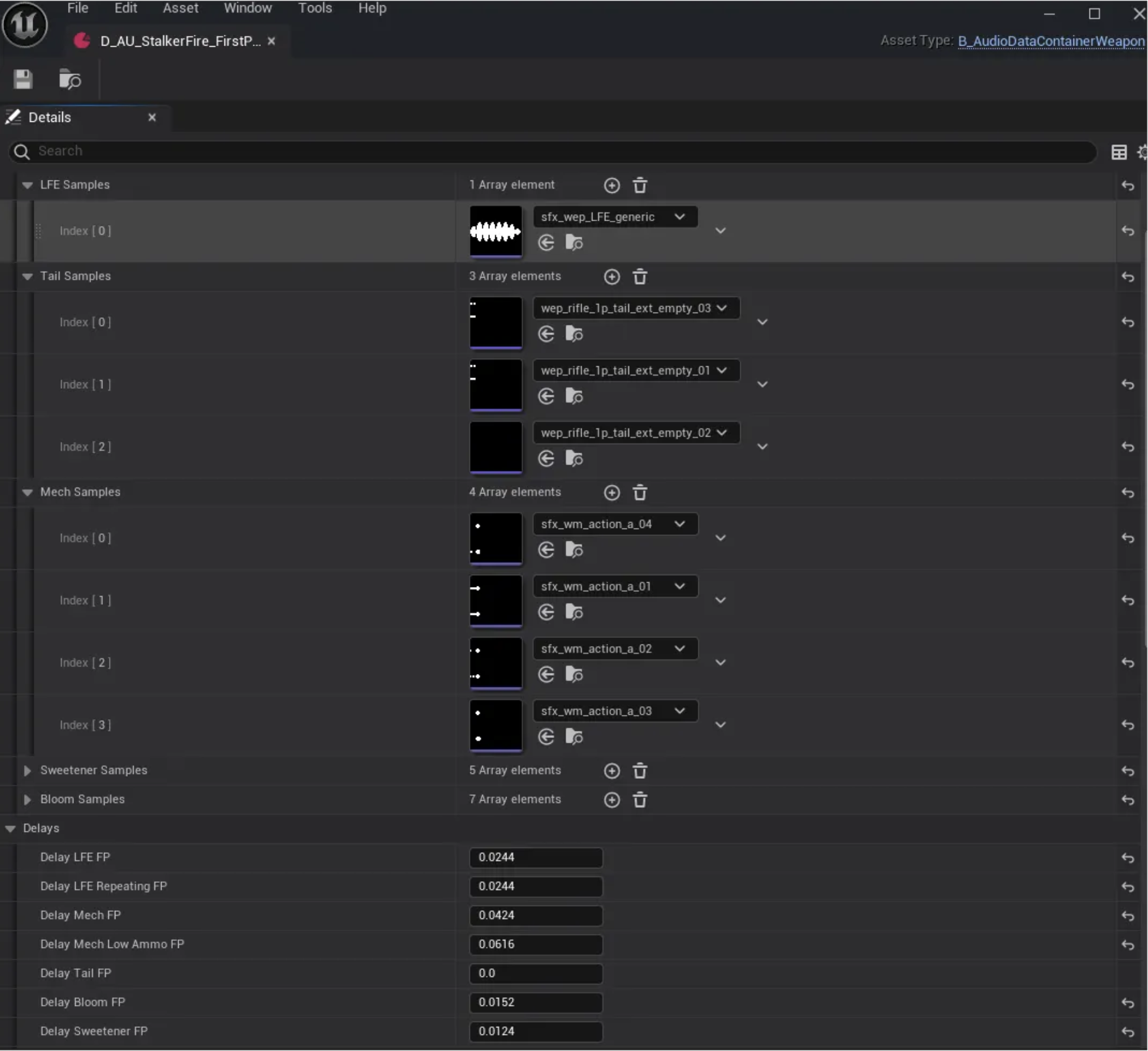
Once saved, the parameter is automatically written to a parameters array inside the UPrimaryDataAsset
UPrimaryDataAsset Containers for Parameter Overrides
When you “Save” an asset in the weapon mixer, the parameter and sample overrides are written to one of these data assets.
When you construct a weapon in-game, the UBER MetaSound is initialized with the data asset sound parameter overrides for a particular weapon, and kept in memory.
The MetaSound will either receive a Start or Stop event from the GCN Blueprints after receiving controller or mouse input triggers.
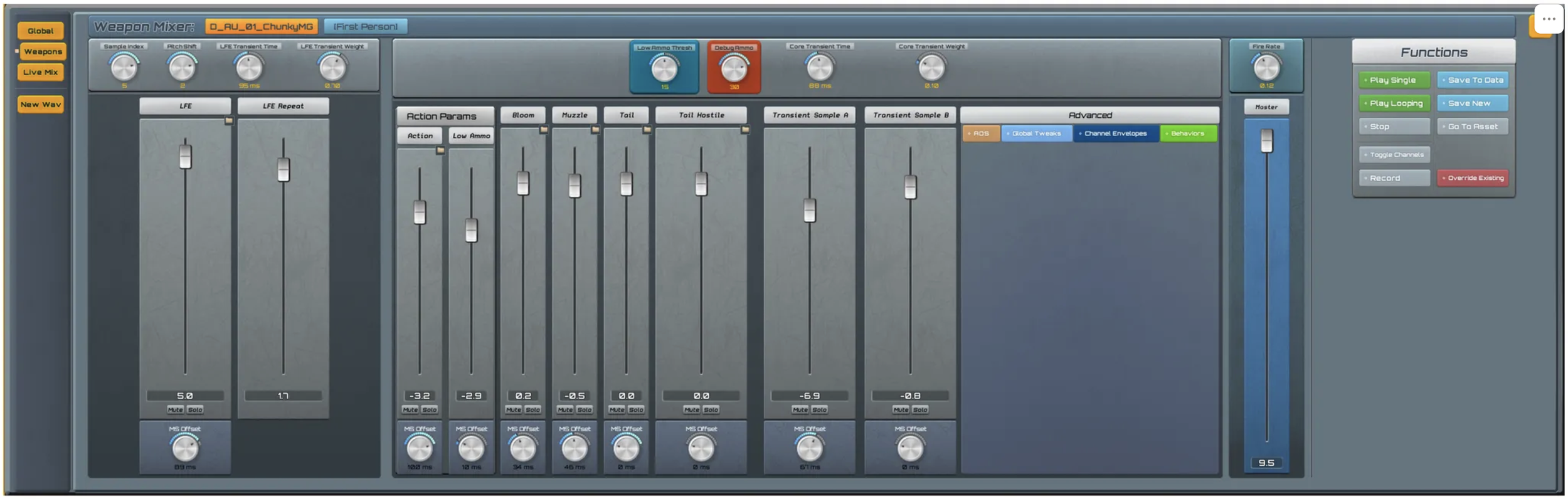
Mixer Interface
Once sounds are added to the data assets file for a particular weapon, we can work on the mix for all the sounds here. This system results in a realistic, un-repetitive and grounded shooting experience, as shots are evenly spaced and more mechanical sounding.
More interesting to listen to and very dynamic.
infinite combinations of combined performance when creating variations for each sound element.
Weapon audio (particularly fully-auto gunfire) requires complex systems that can incorporate sound layering, complex DSP (digital signal processing), dynamic reverb, spatial effects, and lots more.
Features to point out:
adjustable millisecond offset timing for all elements. This allows for fine-tuning of gunshot blasts.
separate low ammo Action/Mechanical layer offset. For each weapon, we set a threshold of remaining rounds where the action begins to offset at increased time coupled with increased volume for player feedback as they approach an empty magazine.
addition of transient samples to be used to give added uniqueness and punch as desired
LFE Repeat is a separate volume control for follow up gunshots (automatic gunfire only)
2x transient “sweetener” channels
stereo sweetener (technically not a transient)
transient pop (offset to find the “pocket” of the gunshot)
solo and mute controls per channel
individual millisecond offset control per channel (per shot)
global fire rate control
master volume control
Low Ammo State
we created a separate volume slider and offset dial for the Action/Mech channel, and as your ammo decreases below a threshold it interpolates between the volume and sample offset values of the left and right settings.
First Person Advanced Features:
ADS (Aim Down Sight Modifiers):
Allows for control over how a sound changes when aiming.
Since the weapon is closer to the player’s camera, it can feel more immersive to punch up the LFE gain or offset the stereo image slightly.
Global Settings
Macro controls over things like EQ shelfs and frequency ducking, transient delay offset variations driven by an LFO curve, etc
Channel envelopes
More precise control over action, bloom, and muzzle channel ADSR, typically used to create more negative space and transient energy for sounds that feel too cluttered or dense.
Sample overrides
After selecting a set of USoundwave assets in the Content Browser, then clicking the Sample Folder icon, a channel sample set may be overriden.
(You can technically set these in the Data Assets themselves, but it’s unnecessary)
LFE Sample Index
If an LFE sample is not set, the system will default to use the index dial value — pulled from an array of preset LFE samples in UBER Metasound.
This allows for quick adjustment of the low end energy and character of the sound overall.